Blogs

That's a lot of donuts

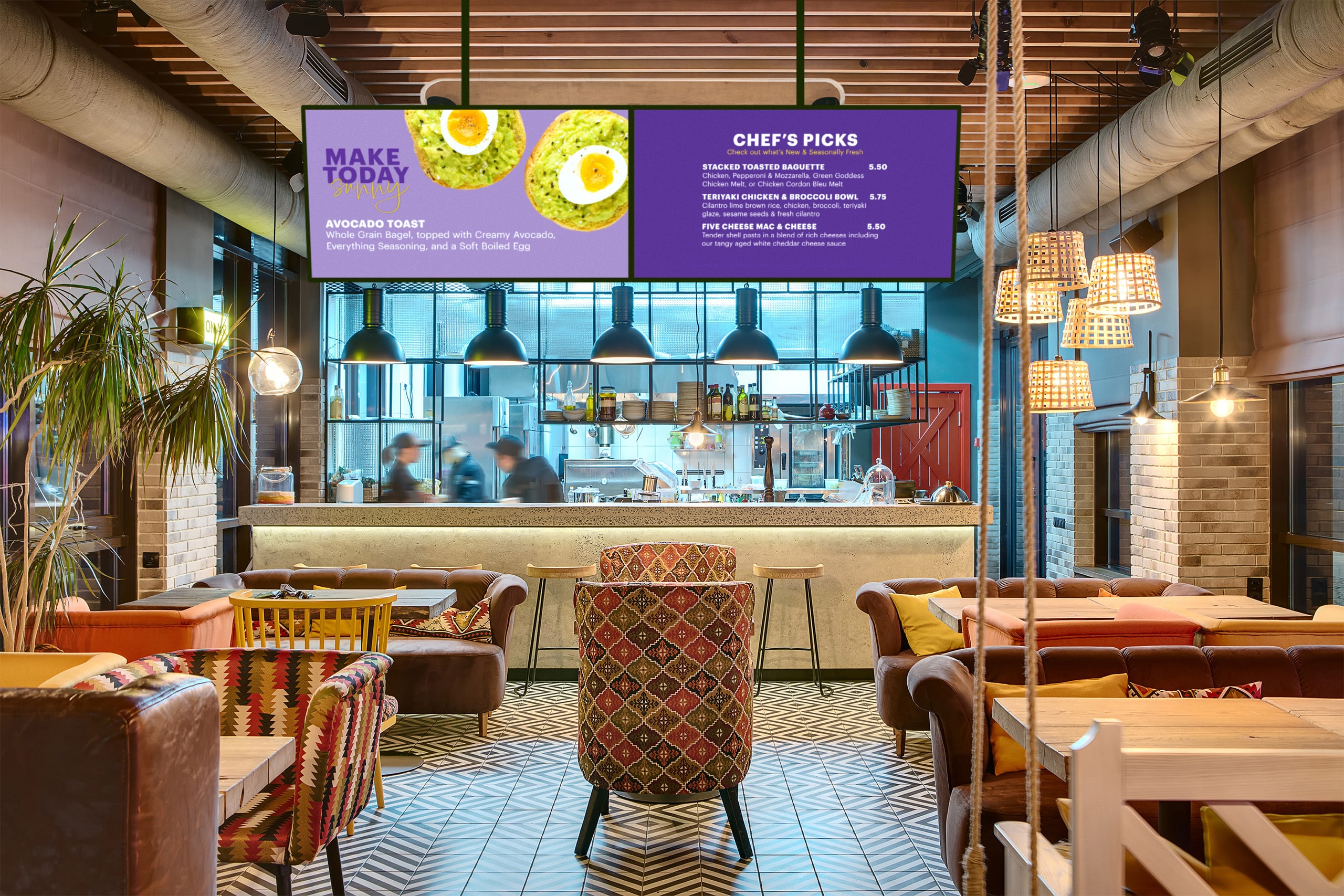
Here in Canada, we love our Tim Horton’s. And during our daily ScreenScape caffeine run, we can’t help but notice those splashy digital displays they’ve got, selling us our coffee and donuts.

Putting the humble brochure rack out to pasture

Wherever you see a brochure rack, you’re looking at a perfect “old world” example of a venue that’s ready and willing to advertise for other businesses that share their audience.

ScreenScape for Franchises

ScreenScape is so simple to use and so cost-effective that even a small organization will find it easy, and profitable, to operate their own screen display.   At the same time, the potential of the service as a promotional tool for multi-site organizations like franchises is considerable.  This post explores how ScreenScape can be used by franchisors to deploy a coordinated, fully-branded display network that helpst to pursue established corporate goals and also to generate entirely new lines of revenue.

ScreenScape is an Internet service and community that makes it easy for your franchisees to operate a dynamic screen in their store.  As franchisor you can decide to use ScreenScape to create content centrally for your franchisees to show instantly on their local screen.   In this way you can use ScreenScape to develop your own distributed digital signage network.

Optionally, franchisees can add their own content to provide a local flavour and target customers in their community with their own custom messages mixed in among the standard promotional items coming from your head office. 

Super Shapes Fitness

In this example a health and fitness franchise called Super Shapes Fitness uses ScreenScape-powered Screen Displays to create a high quality, uniform messaging system in each of their locations.    The messaging system, which they've dubbed ShapesTV, features short exercise videos and health tips between Shapes promotions for their member referral program and onsite health food products.  Any time head office has a change to a promotion it is easy for them to login to screenscape.net and make a quick change that instantly will take effect on every screen in the network.

An important selling feature of ScreenScape is the ScreenScape community - a whole network of venues and their displays which could be used to extend ShapesTV - to bring Shapes promotional messaging to target audiences in the region or around the globe. Here in figure 1 a nearby residential complex called Sunset Towers uses ScreenScape-powered screen displays in their buildings and has partnered with Shapes to help promote the local marathon.

Shapes HQ believes in empowering their franchisees.   Therefore they've asked their franchisees to use ScreenScape to add their own content to the mix.   Each local franchisee adds value to their own display by posting community messages,  member profiles and photographs of recent events.

Shapes headquarters is thrilled with the benefits they receive from the service.  In fact they are exploring new options to incorporate third-party content on their network.   They know that their membership represents a unique audience - a set of consumers that appeal to marketers of fitness products.   To capitalize on this opportunity they plan to sell advertising and turn the network into a significant revenue generator.

The Business Case

Shapes decided to make the program optional with hardware costs being the responsibility of the franchisee.  By buying as a group Shapes HQ was able to extend to their franchisees a discount on hardware which would setup each franchise for a cost of $1000 per location for two screens.      Each franchisee was asked to subscribe to ScreenScape for the nominal fee of $9.99 per month.

In this way Shapes distributed the initial investment costs to set up the system across their franchise network.   All they had to do at headquarters was sign up for their own ScreenScape account which they use for distributing centrally authoring content.

In exchange for their participation Shapes is promising to repay the hardware costs invested by each franchisee out of the proceeds of their new advertising service.    What follows is the business case that helped Shapes to see the bonus opportunity - that of selling sponsorships and turning this into a real revenue generator.    A modest prediction was made in which Shapes would offer three sponsorship opportunities to third-party partners for a fee of $500 per month.  This would account for less than 10 percent of ShapesTV program - the rest being dedicated to Shapes own strategic messaging.

ScreenScape for Campus Media

It's exciting to see some of our members using ScreenScape to power their own independent media networks.    For a variety of reasons ScreenScape is ideal for this kind of thing.   This post explores the potential of ScreenScape as a campus media platform in particular.

Why ScreenScape for Campus Media?

If you're looking to build your independent media network you're probably concerned with these three things.

  1. It has to be cost-effective.....as in nearly free.
  2. It has  to be easy.  Not just to create content, which is a given.  It also has to be easy to build your network - to deploy new sites and new screens.
  3. It has to be community-based.    Campus and other forms of Independent media rely on a distributed network of volunteers.  Many rely on larger associations which together form a loosely affiliated network.   Drawing upon the ideas and resources of each other makes each member that much stronger.

This sounds like a description of ScreenScape.  At only $9.99/mo the service is downright cheap....even smaller groups can afford that.    As for ease of use, ScreenScape offers a WYSIWYG display editing tool that makes content authoring about as easy as sending a file by email!    Furthermore ScreenScape makes it simple to deploy new venues and new screens - all you have to do is point an Internet-connected computer to your custom ScreenScape address and boom the new screen is online and receiving all your latest updates.   Thirdly, ScreenScape is nothing if not community-based.  This has huge implications for Indpendent media.     There's a remarkable singular/plural thing going on here and it's nothing if not democratic.    In a sense the ScreenScape Community acts as a kind of wire service.   Indepedent sites can join the network and decide which content to pull for their own specific purposes.    While their display is completely branded to their liking and tailored to their audience they have an entire community behind them to make their own network more interesting.

Deploying your own ScreenScape-powered Campus Media Network

There are many different ways to do it but but Figure 1 describes the beginnings of a typical ScreenScape-powered Campus Media Network.   Here three groups have set up accounts on ScreenScape.  Each group is actually a unique sub-group operating their own display.  However by subscribing to each other's content each group incorporates the work of the other to create a coordinated and shared media network.   This approach allows the student union to control a certain set of displays in the student union building, while the campus pub has ultimate editorial control over the screens in their bar.   

What's more is that this campus media network itself can draw on a whole community of other campus media networks who by joining ScreenScape are building a powerful and diverse wire service for dozens of campus media outlets around the country.

Tips for Building an Independent Media Network

  1. Community leaders - sign up for ScreenScape. Register for an account at screenscape.net and start building your first display.
  2. Build your creative network.  For a more interesting and more democratic approach encourage other groups or venues to sign up for ScreenScape and take and active part in the creative process.
  3. Create compelling content.  Use a mix of text slides, poster slides, news feeds and web video.   Jump on ScreenScape daily to issue timely messages.  Browse the ScreenScape community for the best in shared content.
  4. Build your distribution network.   Most venues around campus and student hang-outs will be happy to "show' your display onsite thus extending your reach.  all it takes is an Internet-connected computer.  Just give them your custom ScreenScape address and tell them to keep their browser locked.  Note: Kiosk mode is recommended.
  5. Build up your subscriber base in the ScreenScape community. Communicate with like-minded networks across the country and ask them to subscribe to your content that is of general interest.  Some of your pieces might reach 1000 screens!

Adding a Twitter feed to my screen display

Today I tried adding a Twitter feed to one of my ScreenScape displays. At first just for curiousity sake, then I realized this is a useful feature for some of our members who might be twittering already, and savvy enough to actually find the user profile RSS they want to add to their display.

Step by step, it went like this: Our widget selector allows for a custom feed, so any RSS based feed that you want will work. On that theory if I can find a twitter rss, I just cut and paste and the rest is display history.

ScreenScape for Event Signage

Among other things ScreenScape makes it easy and affordable to create dynamic digital signage displays.  It's so easy to build a powerful screen display that you can create a new one, or co

Place-based Media 2.0

What is place-based media anyway? When I think of the term "place-based media" I think of two things.

Syndicate content